

Garage Door Keypads & Remotes
Garage door keypads and remotes should make access simple without uncertainty about compatibility or who can use the door. UGD can discuss Houston requests for replacement controls, extra remotes, exterior keypad entry, and faults affecting one or more access devices.
Greater Houston
*Subject to availability. Confirm timing and service scope for your request.
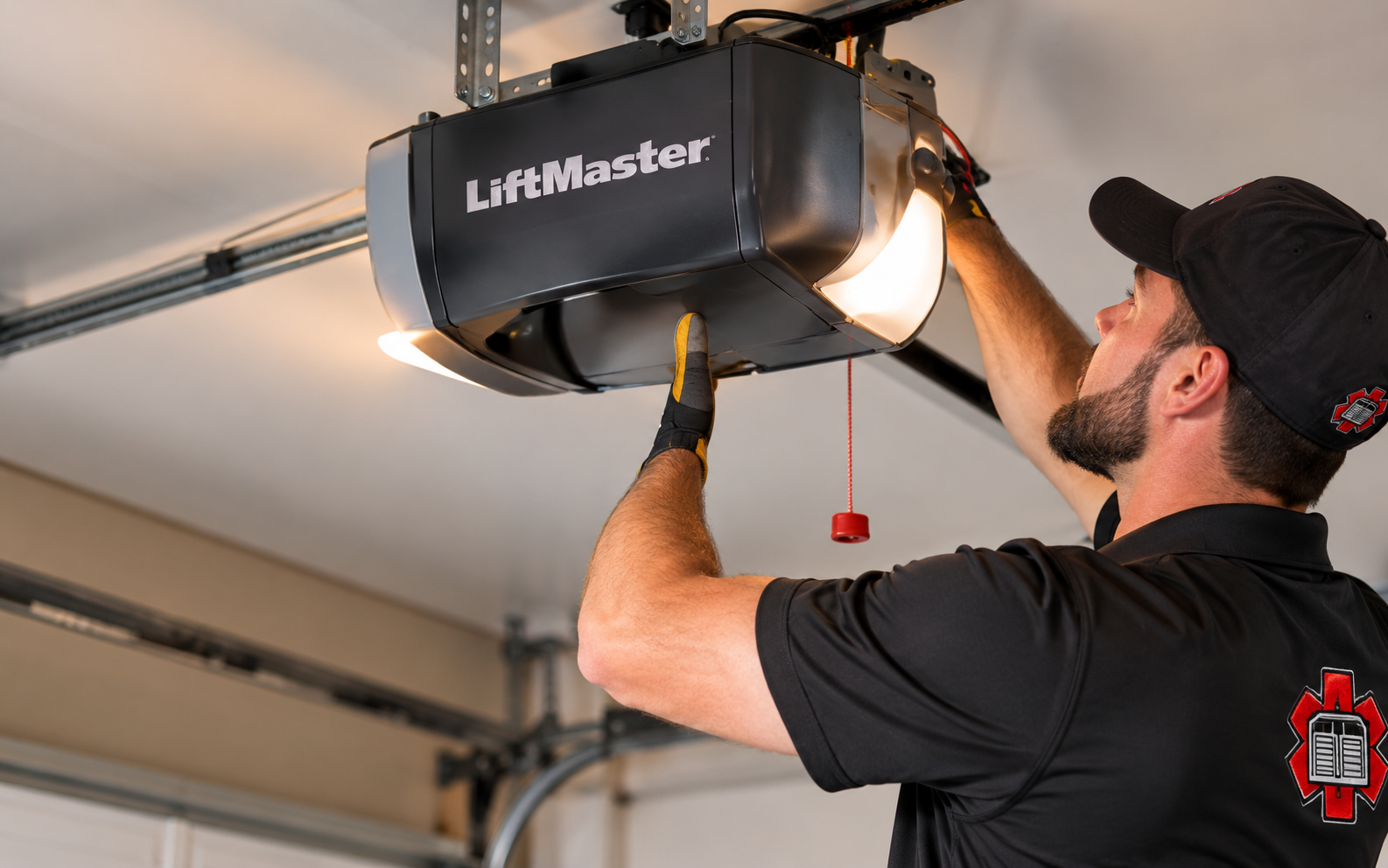
Garage Door Keypads and Remotes for the Right Opener
Keypads and remotes are not interchangeable simply because they look alike or share a manufacturer name. Compatibility can depend on the opener model and control technology. A product described as universal still has a supported range. Checking that range first helps avoid buying a control that cannot operate the installed equipment. Before choosing a device, identify whether the goal is convenience, replacement of a broken accessory, or removal of access after a device was lost. These are separate outcomes. An additional remote may solve a household need without changing the opener, while a lost remote raises a different question about stored access. Explain the intended result so the service scope covers what should work afterward and what should no longer work.
Houston households may want a spare remote, an exterior keypad, or a control that serves more than one door. Start by listing the doors and users involved, then identify the existing equipment. For a fault, note whether the problem affects one accessory or several, and whether the wall control still operates normally. UGD offers free estimates for the proposed service. Use model numbers from paperwork or safely accessible labels, and identify which device belongs to each door. A remote’s case or button arrangement may not reveal the technology inside. If a vehicle’s built-in control is involved, include that in the request because compatibility with the opener and any required interface must be checked independently.
Replacement Controls and Access Problems
A remote stops responding
Describe whether it has an indicator light, responds intermittently, or has visible damage. Battery, compatibility, programming, and receiver issues need to be distinguished.
The keypad behaves inconsistently
Note worn buttons, visible damage, and when the trouble occurs. Avoid assuming that repeated entry failures mean the entire opener needs replacement.
A control is lost
Treat a missing remote as an access-management issue as well as a replacement request. Discuss the appropriate model-specific process for removing unwanted access.
Match Devices and Confirm the Intended Users
1
Identify each device
Gather the opener model and available remote or keypad model numbers. In a multi-door garage, label which control belongs to which opening. If only one accessory fails, report whether others have already continued to work normally. If every control has stopped responding, the problem may require a broader opener assessment. You do not need to repeatedly operate the door to create a test record. A keypad exposed outdoors and a remote used inside a vehicle also have different usage histories, so describe visible damage or intermittent behavior for the specific device. For a fault involving powered operation, review garage door opener repair.
2
Define who needs access
Decide whether the goal is another household remote, outdoor keypad entry, or separate control of multiple doors. Keep personal codes out of inquiry forms. For an exterior keypad, decide which household members need access and whether supported temporary or guest arrangements are relevant. Do not send current entry codes through a public form or general message. If access must be removed, identify that goal directly and ask how it affects existing remotes and keypads. Adding a new control does not by itself establish that a missing device has been removed from the system. For related service details, see LiftMaster garage door openers.
3
Review all controls afterward
Changes to stored accessories can affect existing controls. The finished scope should include checking the intended remotes and keypads against the correct doors. Before considering the work complete, confirm that each retained control operates the intended door and that unwanted access was addressed as agreed. In a multi-door garage, a simple device list helps avoid confusion about button assignments. Keep the product information for future replacements, but store access codes privately. Ask for the correct owner instructions rather than applying programming steps from a different opener or accessory model. For related service details, see smart garage door openers.
Exact compatibility
Use current manufacturer information for the specific opener and accessory.
Clear door mapping
Identify the opening each button or keypad should operate.
Controlled access
Include missing or outdated devices in the access review.
Practical replacement
Choose the format and functions that fit daily use.
Garage Door Keypads & Remotes Illustrations
Illustrative garage-door and opener settings. These images do not identify specific product models or establish compatibility.
Illustrative setting
Illustrative detail
Garage Door Keypads & Remotes Questions
Will any universal remote work?
No. Universal products support particular technologies and equipment. Check the manufacturer's compatibility list against the exact opener before selecting one. A universal label describes a supported range, not every opener ever made. The proposed remote or keypad should be checked against the exact equipment and manufacturer information. If an accessory cannot be matched, ask whether a supported alternative exists before replacing the entire opener. Compare the complete scope, including any required receiver or other compatible component, rather than the accessory price alone. For additional background, see LiftMaster remote replacement guidance.
Can one remote operate two garage doors?
Some compatible multi-button remotes can. Each opener and the selected accessory must be checked, and each button assigned to the intended door.
Will adding a new remote disable the old one?
Not necessarily. Adding a control and removing stored access are different tasks. Discuss what should remain active before any programming changes.
Discuss Garage Door Keypads & Remotes
This form is not accepting requests yet. Prepare your location and equipment models, but do not enter keypad PINs or account credentials.
This form is not accepting requests yet.
Garage door service for Houston, The Woodlands, Conroe and Greater Houston communities.