

myQ Garage Door Technology
myQ connects compatible garage equipment with app-based functions. Whether you are exploring a new setup or an existing connection problem, start by identifying the opener, any added hub, and the feature involved.
Greater Houston
*Subject to availability. Confirm timing and service scope for your request.
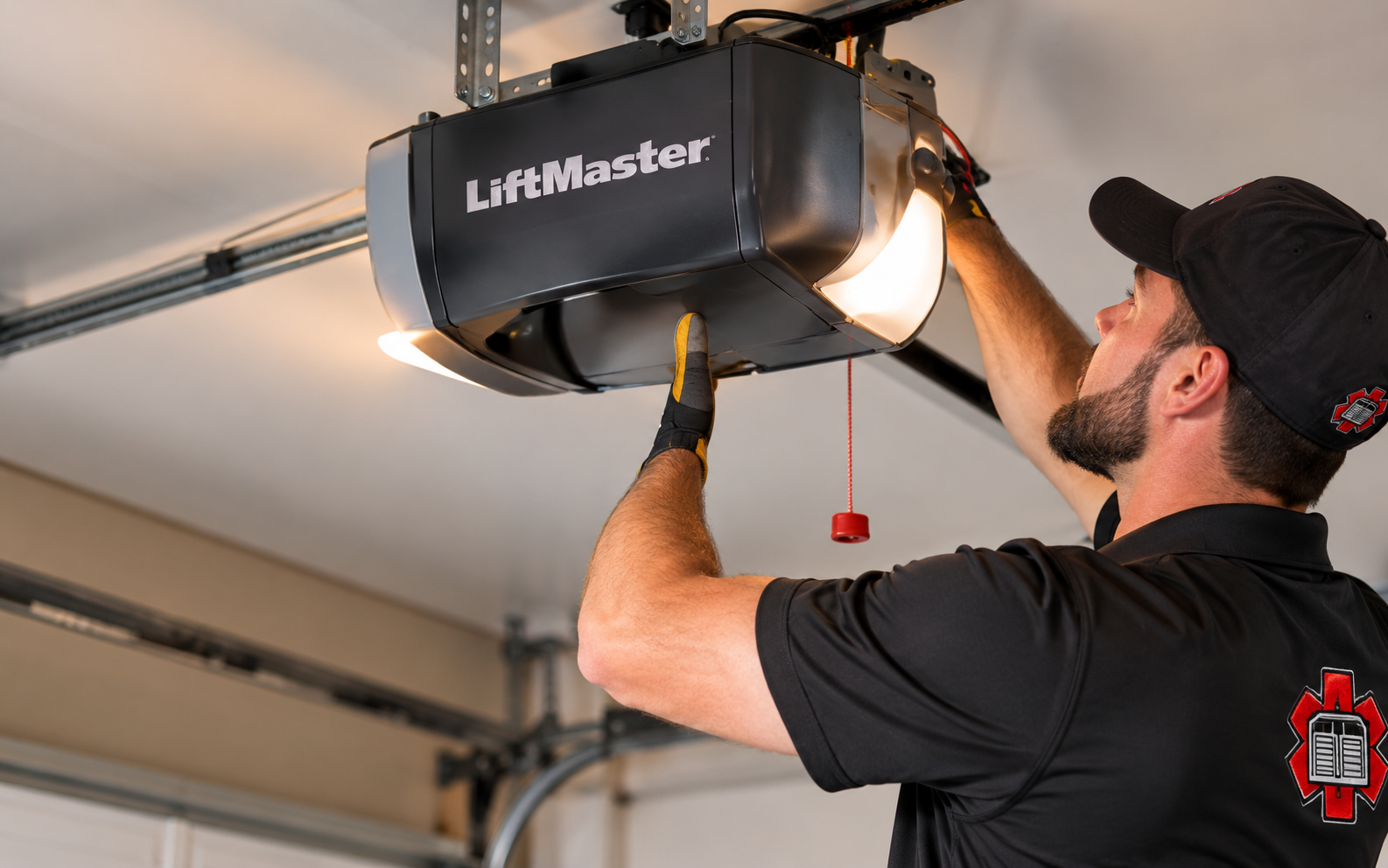
Separate the platform from the physical opener
myQ is a connected-access platform, not one universal motor or accessory. Depending on the equipment, a setup may use an opener with built-in connectivity or a compatible additional device. Door-status information, app commands, notifications, and other functions depend on the identified hardware, connection, account, and available platform features.
For Greater Houston homeowners, a helpful first question is whether the trouble occurs at the door or only in the app. A local control that works normally provides different information from an opener that cannot move the door. Describing that distinction helps frame the inquiry without assuming that every offline message calls for motor replacement.
Common connected-garage questions
The device shows offline
Note whether the internet service, router, or network name recently changed. Connection requirements and reconnection procedures differ between built-in Wi-Fi equipment and separate hubs.
Status or commands are unreliable
Record the message shown and whether local operation is normal. Some accessory setups also use a separate door sensor that should be identified.
A desired integration is unavailable
Check current official support for the exact vehicle, app, or service. A myQ account does not guarantee compatibility with every smart-home platform.
Prepare a focused myQ review
1
List the connected equipment
Identify the opener and any separate hub, camera, or sensor. The correct device names help avoid applying instructions intended for a different generation.
2
Clarify account and access needs
Decide whether the goal is owner access, approved shared access, notifications, or a supported partner feature. Keep credentials and access codes private.
3
Check optional service terms
Video history and certain partner functions can have separate requirements or charges. Confirm the selected service's current terms before assuming it is included.
Equipment identity
Distinguish built-in connectivity from an added hub or accessory.
Connection context
Record recent network changes and the exact visible error.
Supported features
Verify integrations through current official platform documentation.
Owner choices
Select shared access and optional services deliberately during setup.
A closer look
Illustrative garage-door and opener settings. These images do not identify specific product models or establish compatibility.
Illustrative setting
Illustrative detail
Common questions, answered
Can myQ be added to every garage door opener?
No. Compatibility depends on the opener and selected device, with specific requirements and exclusions. Use the current manufacturer compatibility information.
Does myQ require an internet connection?
Its connected functions require an internet connection. Network requirements vary by device, so review the correct equipment's setup guidance.
Is an offline message proof that the opener has failed?
No. It can indicate a connectivity issue. Describe both the app message and the behavior of the local controls when requesting an assessment.
Tell us what you need
This form is not accepting requests yet. Prepare your location, equipment models, app message, and desired outcome. Do not include passwords or PINs.
This form is not accepting requests yet.
Garage door service for Houston, The Woodlands, Conroe and Greater Houston communities.