

Smart Garage Door Openers
Check door status, receive activity alerts, or manage compatible access from your phone. Smart opener planning starts with the functions you want and the equipment and connection needed to support them.
Greater Houston
*Subject to availability. Confirm timing and service scope for your request.
Make the feature list useful to you
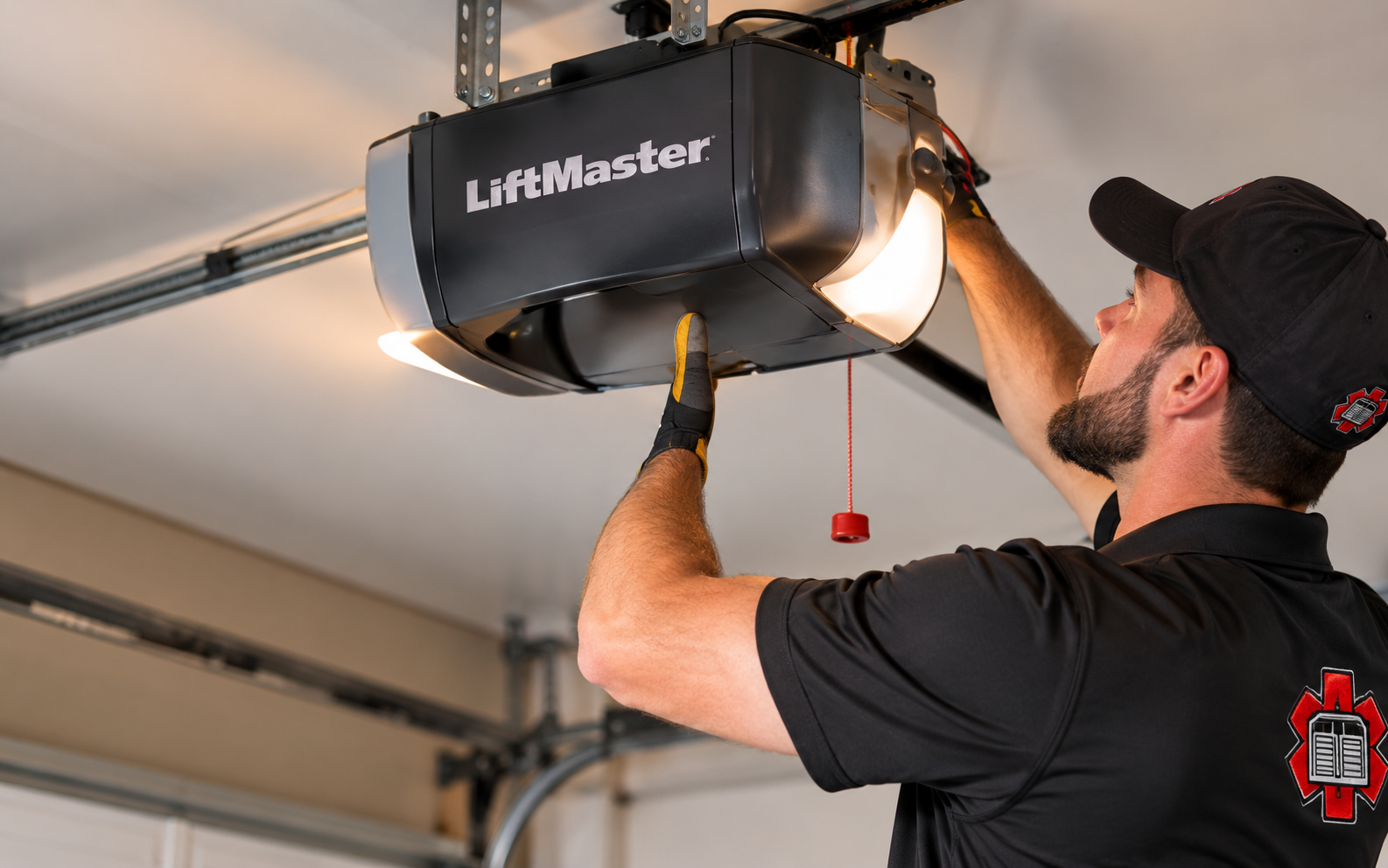
Smart garage equipment combines physical door operation with connected features. Some openers have built-in connectivity; other compatible systems use an additional device. App control, cameras, access sharing, and partner services are separate considerations. The word smart does not mean every feature is available on every product or included in its purchase.
For a Houston home, begin with a few everyday situations: checking whether the garage is closed, knowing when someone arrives, or giving an approved household member access. Then review the proposed equipment, home-network requirements, and any ongoing service terms. This keeps the choice focused on useful functions rather than a long list of features.
Questions to answer before an upgrade
Uncertain existing compatibility
An older opener may support an accessory, but compatibility depends on the exact equipment and applicable requirements. Brand recognition alone is not enough.
Weak garage connectivity
A good connection inside the house does not establish coverage at the opener. Check the intended device's network requirements and its installation location.
Features with separate costs
Video history or particular connected services may require a subscription. Distinguish the hardware, included functions, optional features, and any recurring charges.
Plan hardware, connection, and access together
1
Define the desired functions
List app control, notifications, cameras, or shared access in order of importance. Ask which proposed model or accessory supports each function.
2
Verify the connection path
Establish whether the equipment has built-in Wi-Fi or needs a compatible accessory. Network and internet requirements should be checked before installation.
3
Choose access deliberately
Decide who should have access and which functions they need. Account enrollment and optional partner connections should remain choices made by the owner.
Useful notifications
Prioritize the door activity that matters to your household.
Verified compatibility
Check the exact opener, accessory, and selected app functions.
Transparent costs
Separate the equipment purchase from optional ongoing service charges.
Everyday controls
Include local operation in the plan alongside connected convenience.
A closer look
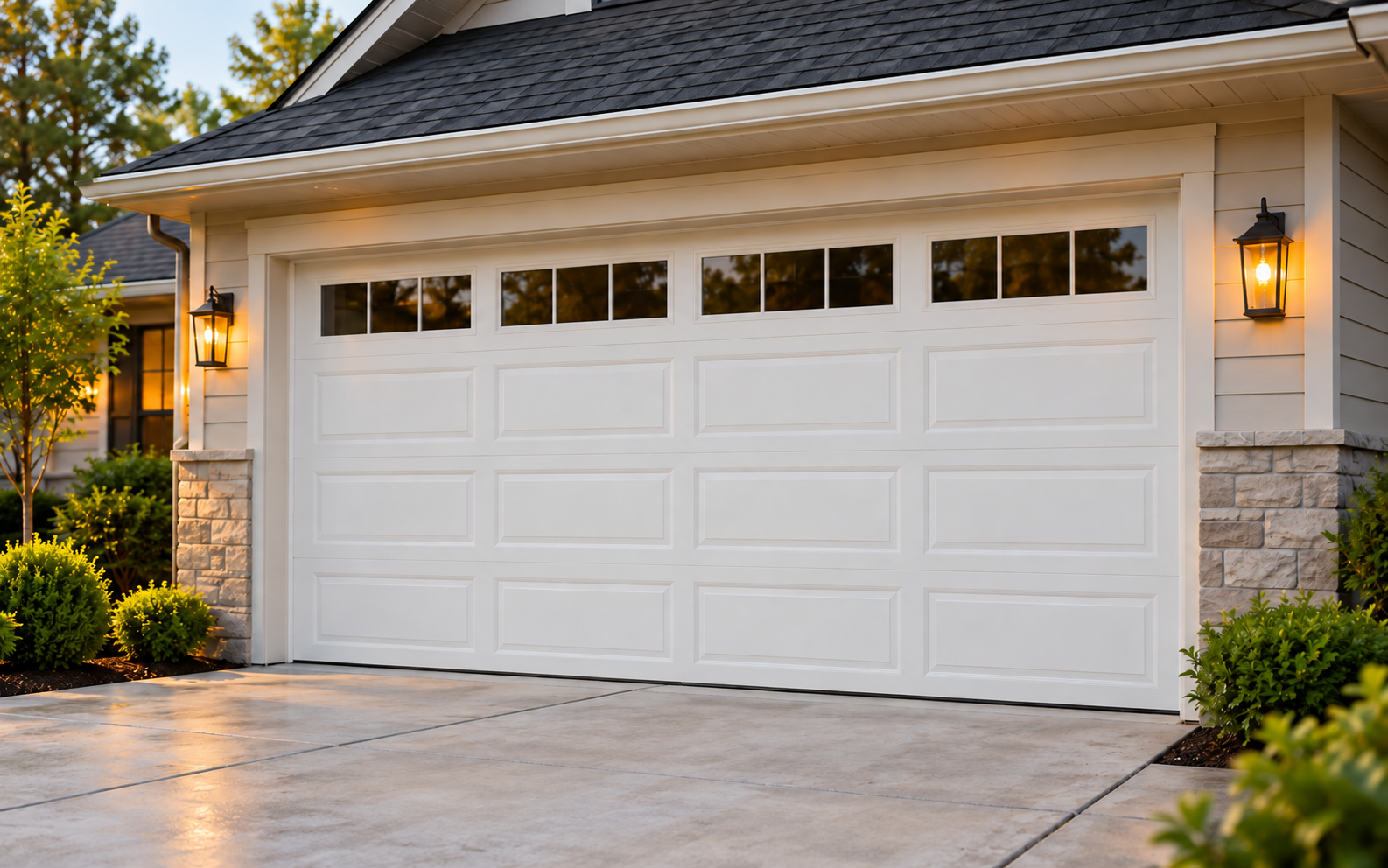
Illustrative garage-door and opener settings. These images do not identify specific product models or establish compatibility.
Illustrative setting
Illustrative detail
Common questions, answered
Must I replace my opener to add smart features?
Not always. Some existing systems accept a compatible accessory. The precise opener and accessory requirements determine whether that option is suitable.
Will a smart opener work with every smart-home app?
No. Integrations are platform specific and may change. Verify the exact intended connection using current official support information before choosing equipment.
Are camera recordings included?
Do not assume so. Camera availability, live features, saved history, and subscription requirements should be checked separately for the selected product and service.
Tell us what you need
This form is not accepting requests yet. Prepare your opener model, location, and desired smart features. Do not include passwords or access codes.
This form is not accepting requests yet.
Garage door service for Houston, The Woodlands, Conroe and Greater Houston communities.