

myQ Garage Door Technology
myQ garage door technology can connect compatible equipment with useful app-based access and status features. UGD can discuss Houston setup or service requests by identifying the opener, any separate connected device, and whether the issue concerns door operation, connectivity, or a particular feature.
Greater Houston
*Subject to availability. Confirm timing and service scope for your request.
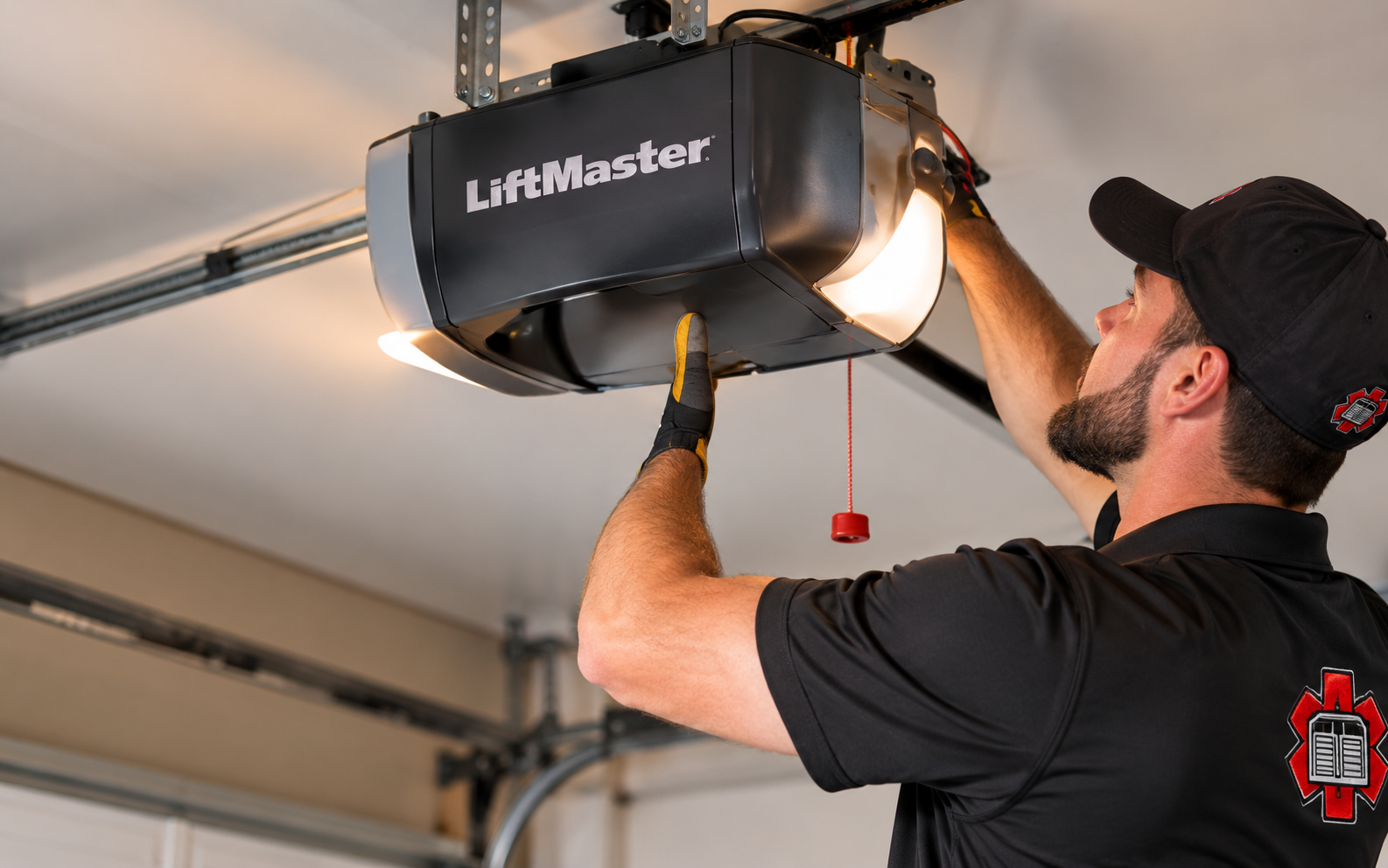
myQ Garage Door Technology and Compatible Equipment
myQ is a connected-access platform, not one universal motor or accessory. Depending on the equipment, a setup may use an opener with built-in connectivity or a compatible additional device. Door-status information, app commands, notifications, and other functions depend on the identified hardware, connection, account, and available platform features. Begin with the outcome you want rather than the name of the app. Checking whether a door is closed, sharing approved access, using a camera, and connecting a supported vehicle feature are distinct needs. Each should be checked against the equipment and current service offering. A feature shown for one device or subscription should not be assumed to apply to every opener associated with a myQ account.
For Greater Houston homeowners, a helpful first question is whether the trouble occurs at the door or only in the app. A local control that works normally provides different information from an opener that cannot move the door. Describing that distinction helps frame the inquiry without assuming that every offline message calls for motor replacement. UGD offers free estimates for proposed equipment and service work. Describe whether the system previously worked, what changed, and the exact message already shown in the app. If the physical door is damaged, uneven, or unreliable, stop operating it and report that first. A network or account question can be considered separately, but connected access should not distract from a door that needs mechanical attention.
Offline Devices, App Behavior, and Feature Questions
The device shows offline
Note whether the internet service, router, or network name recently changed. Connection requirements and reconnection procedures differ between built-in Wi-Fi equipment and separate hubs.
Status or commands are unreliable
Record the message shown and whether local operation is normal. Some accessory setups also use a separate door sensor that should be identified.
A desired integration is unavailable
Check current official support for the exact vehicle, app, or service. A myQ account does not guarantee compatibility with every smart-home platform.
Separate Hardware, Connectivity, and Account Needs
1
List the connected equipment
Identify the opener and any separate hub, camera, or sensor. The correct device names help avoid applying instructions intended for a different generation. Use product labels or existing records to identify separate components, especially when a hub or door sensor was added to an older opener. A camera and an opener can appear in the same app while having different troubleshooting requirements. Tell the service contact which device is affected and which features still work. Do not remove covers or share account credentials just to provide an equipment description.
2
Clarify account and access needs
Decide whether the goal is owner access, approved shared access, notifications, or a supported partner feature. Keep credentials and access codes private. For a new setup, confirm who will own the account and who needs approved shared access. For an existing setup, distinguish a sign-in problem from a device that appears offline after a router change. Those issues may require different support paths. Account recovery and permissions should remain under the owner’s control. Keep passwords, entry codes, and recovery details out of general inquiry forms and service notes. For related service details, see LiftMaster garage door openers.
3
Check optional service terms
Video history and certain partner functions can have separate requirements or charges. Confirm the selected service's current terms before assuming it is included. Compare hardware cost with any optional ongoing service. Saved video, partner integrations, and other features may have their own requirements, supported devices, or charges. Check current official information before deciding, since a remembered feature list may no longer match the available offering. If only basic status or app control is needed, evaluate that specific goal without assuming a camera or a paid feature package is necessary.
Equipment identity
Distinguish built-in connectivity from an added hub or accessory.
Connection context
Record recent network changes and the exact visible error.
Supported features
Verify integrations through current official platform documentation.
Owner choices
Select shared access and optional services deliberately during setup.
myQ Garage Door Technology Illustrations
Illustrative garage-door and opener settings. These images do not identify specific product models or establish compatibility.
Illustrative setting
Illustrative detail
myQ Garage Door Technology Questions
Can myQ be added to every garage door opener?
No. Compatibility depends on the opener and selected device, with specific requirements and exclusions. Use the current manufacturer compatibility information. The manufacturer’s compatibility guidance should be checked for both the existing opener and the proposed myQ device. Identify any separate accessory already installed and do not rely on the opener’s age or brand alone. When a compatible add-on is available, compare it with replacing the opener based on the functions required and the existing unit’s condition. A connected upgrade should have a clear purpose. For additional background, see myQ official app features.
Does myQ require an internet connection?
Its connected functions require an internet connection. Network requirements vary by device, so review the correct equipment's setup guidance.
Is an offline message proof that the opener has failed?
No. It can indicate a connectivity issue. Describe both the app message and the behavior of the local controls when requesting an assessment.
Discuss myQ Garage Door Technology
This form is not accepting requests yet. Prepare your location, equipment models, app message, and desired outcome. Do not include passwords or PINs.
This form is not accepting requests yet.
Garage door service for Houston, The Woodlands, Conroe and Greater Houston communities.