

Garage Door Repair in the Energy Corridor
Garage door repair in the Energy Corridor should separate a phone-access problem from the condition of the door itself. Discuss the control affected, everyday access, and useful opener options with UGD.
Greater Houston
*Subject to availability. Confirm timing and service scope for your request.
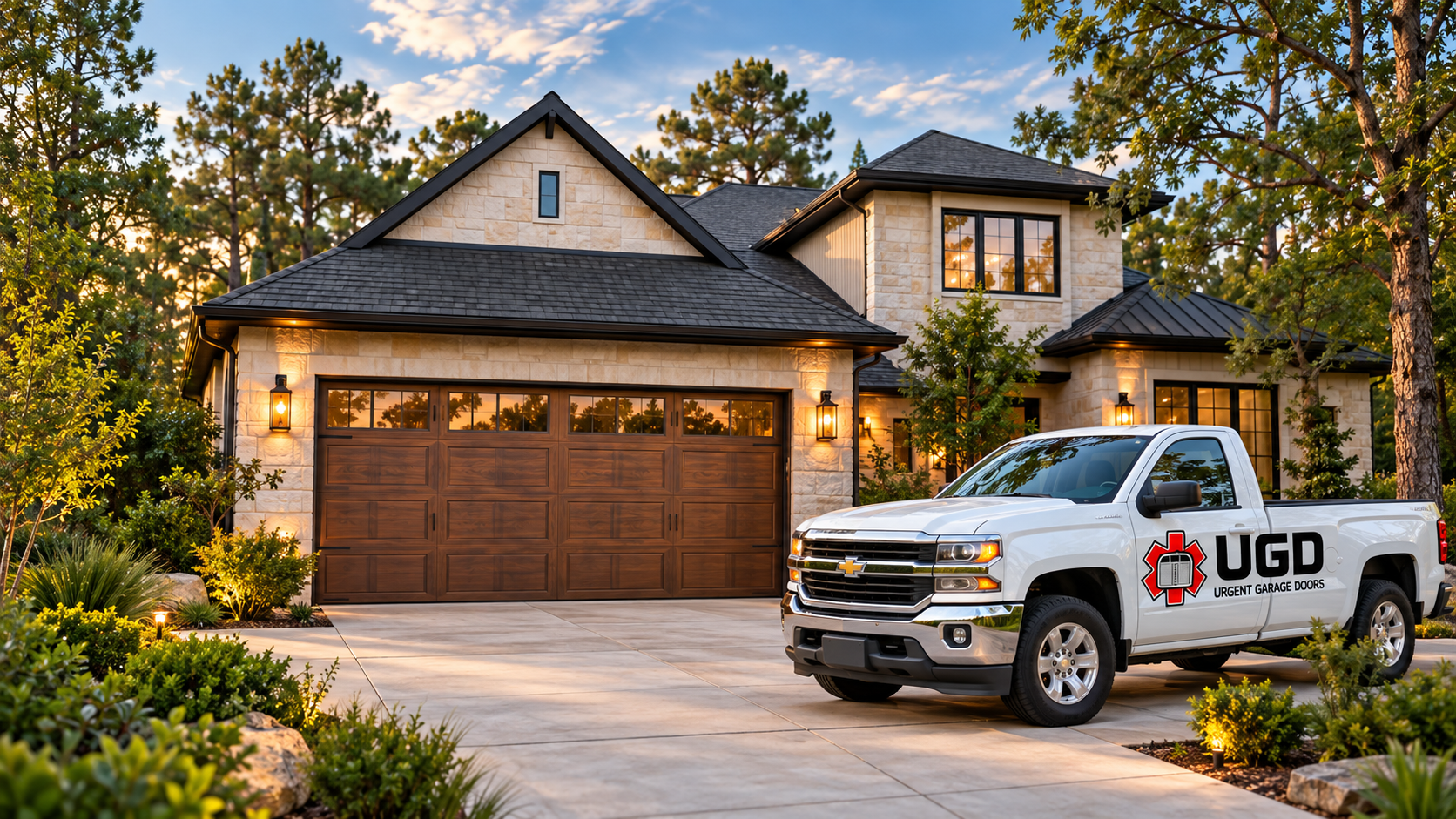
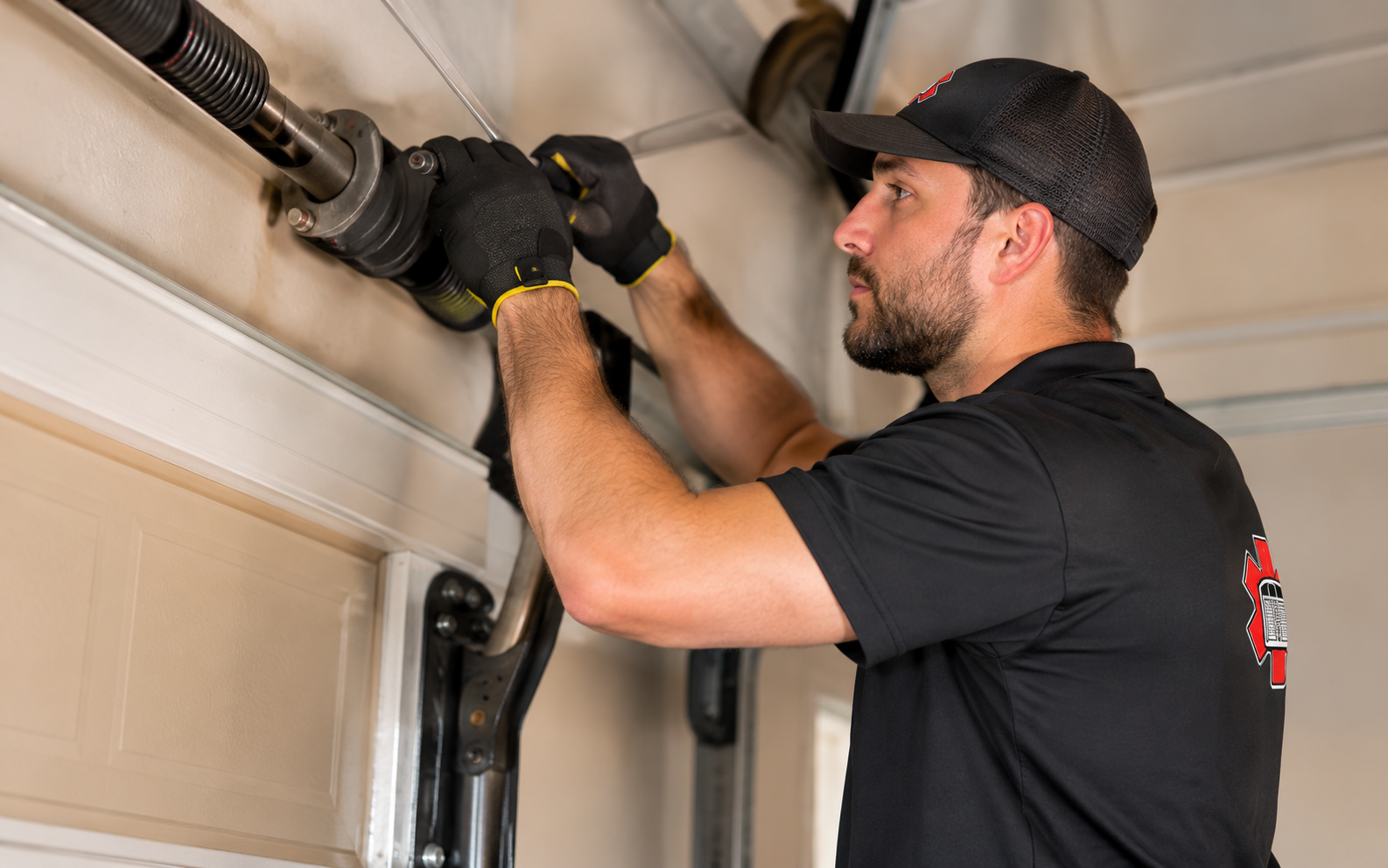
Garage door repair in the Energy Corridor: controls and access
Start with the task you want a connected opener to handle: checking door status, receiving activity notices or allowing a household member access. Feature names alone do not show whether a particular model meets that need. If phone access stops working while another control still responds, say that rather than describing the entire system as broken. Include the exact equipment name if you already know it and any non-sensitive message you observed. Do not send account credentials, access codes, or screenshots containing private account details.
If your current opener has stopped responding, explain whether the issue affects the phone app, a remote or the wall control. That distinction helps frame the discussion before deciding to replace the entire opener. Connected features should be selected around the people who will manage them. For an Energy Corridor property with tenants, visitors, or more than one household user, identify the authorized account owner and the intended access arrangement. The current repair need can be considered separately from a future feature upgrade.
Separate connected access issues from door faults
App access has changed
Describe the message you see and whether other controls still work, without sharing passwords or account access. Mention whether the change followed a phone replacement, an account change, or another event you already know about. Timing is useful context, but it does not establish a diagnosis. Ask what information is needed without granting broad account access.
Different controls behave differently
Mention which controls respond and which do not. There is no need to repeatedly cycle the door. List observations by control: phone app, wall control, remote, or keypad. Avoid repeatedly opening and closing the door to complete that list. If physical movement is also abnormal, give that issue priority in the request.
The door itself struggles
Uneven travel or visible damage should be assessed before treating the problem as a connected feature issue. A connected status message does not replace an assessment of visible damage. Describe the door’s resting position and any uneven movement, and keep people clear. Do not use remote features to move a door that appears unstable.
Check opener features, accounts, and everyday controls
1
Check feature requirements
Ask which functions require a separate account, compatible network, accessories or an ongoing service plan for the proposed model. Compare the exact function you want with the requirements for the quoted model. Ask whether a feature is included, requires an accessory, or involves a separate ongoing service. Confirm current terms directly before treating a product name as a complete specification.
2
Plan household access
Consider who needs access and how permissions can be changed when a household member or visitor no longer needs them. For shared properties, decide who authorizes access changes and who remains responsible when an occupant changes. Keep personal account credentials private. Ask how the selected equipment supports the intended arrangement using the manufacturer’s documented functions.
3
Discuss everyday controls
Confirm the included remotes, wall control and optional keypad alongside app features, based on the selected equipment. An estimate should identify the supplied physical controls alongside any connected features. Discuss which existing accessories may remain and which need replacement. The goal is an understandable access plan for the people who actually use the garage.
Opener choices
Compare features against a clear list of household needs.
Door repairs
Include physical operating concerns in the service discussion.
Same-Day Service
Availability must be confirmed when scheduling service.
Garage Door and Opener Illustrations
Illustrative door images show appearance options only; they do not establish opener compatibility or represent completed UGD work.
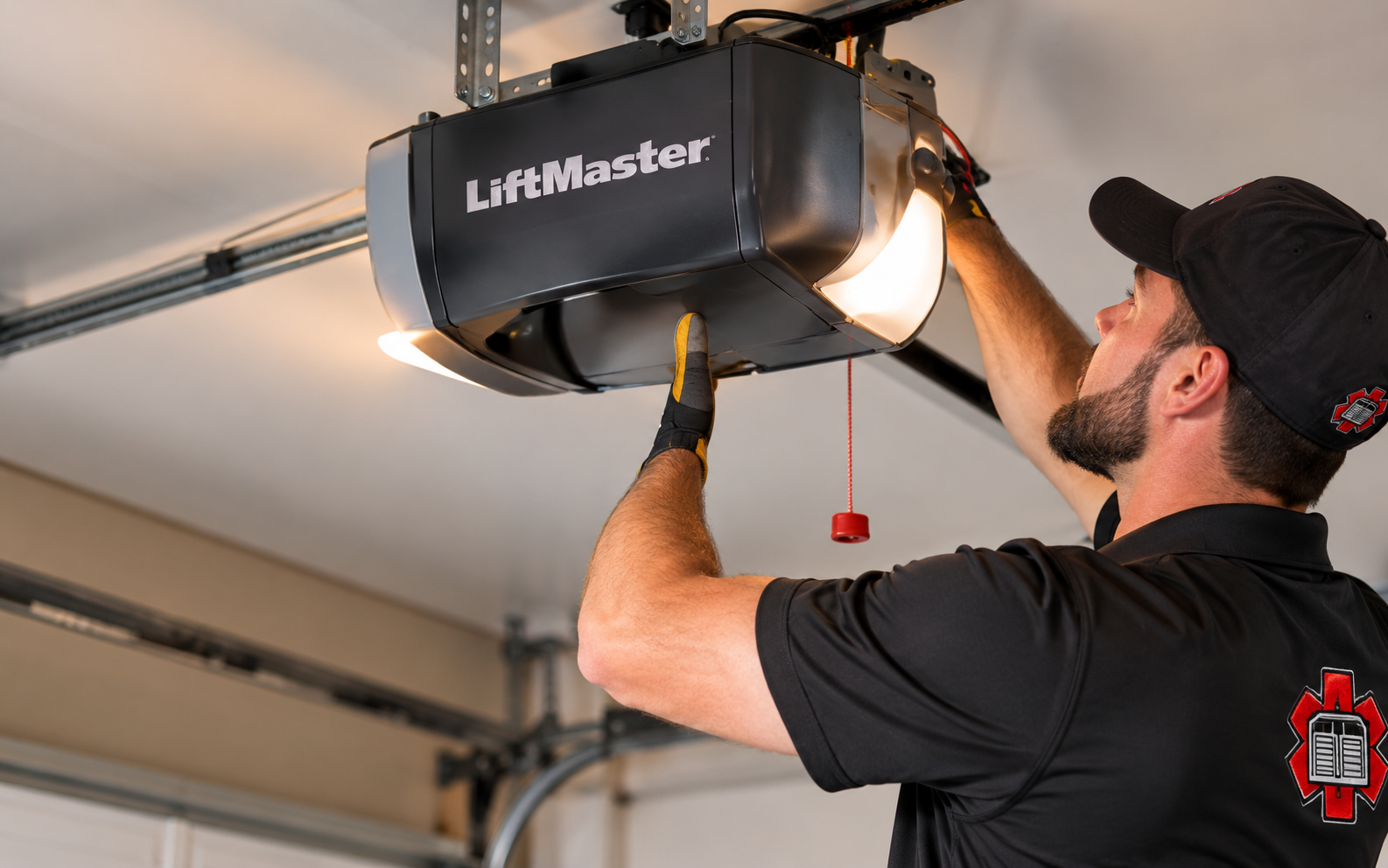
Illustrative setting
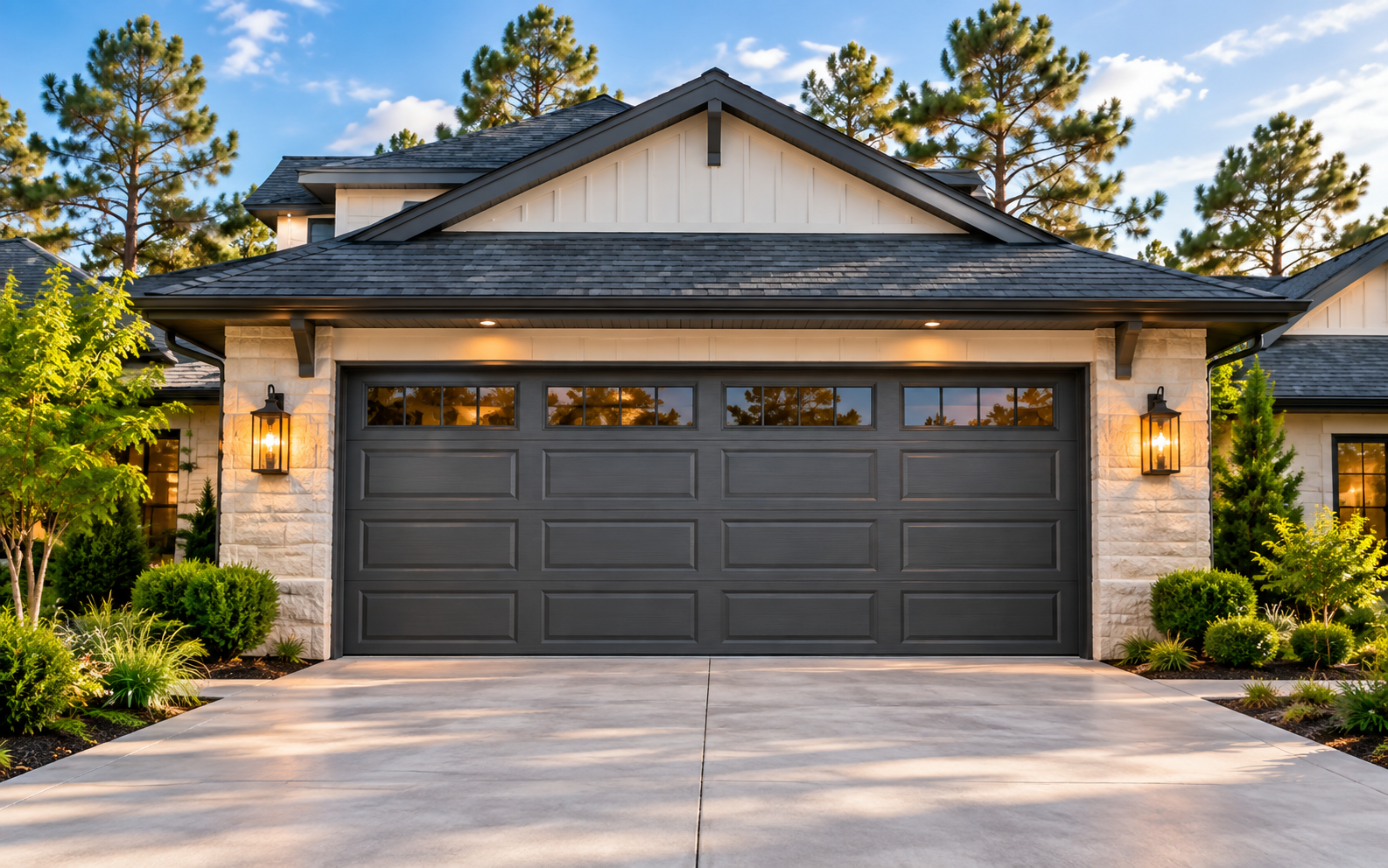
Illustrative detail
Garage Door Repair in Energy Corridor Questions
Does every opener support phone control?
Features vary by equipment. Ask about the exact model and any accessory, account or service requirements before making a choice. Describe the function you want in plain language, such as checking status or giving an authorized person access. Ask whether that exact function is supported by the proposed equipment and what setup or ongoing requirements apply.
Should I provide my app password?
No. Describe the issue without sending passwords, access codes or account credentials through an inquiry form. If account-related work is needed, the responsible account owner should handle credential entry and permissions privately through the appropriate service. A repair inquiry can still describe the symptom and equipment without exposing information that controls property access.
Can I keep using physical controls?
Discuss the controls supported by the proposed system. Confirm how your household will operate it under different connection conditions. Ask about the exact selected model’s documented operation rather than assuming every function remains available in every situation. A clear list of included controls and their intended use helps prevent a feature comparison from overlooking basic household access.
Discuss Garage Door Repair in Energy Corridor
Prepare your contact details, Energy Corridor location and an opener or door symptom description. This form is not accepting requests yet.
This form is not accepting requests yet.
Garage door service for Houston, The Woodlands, Conroe and Greater Houston communities.